
Jira tracks the work. It does not track the testing.
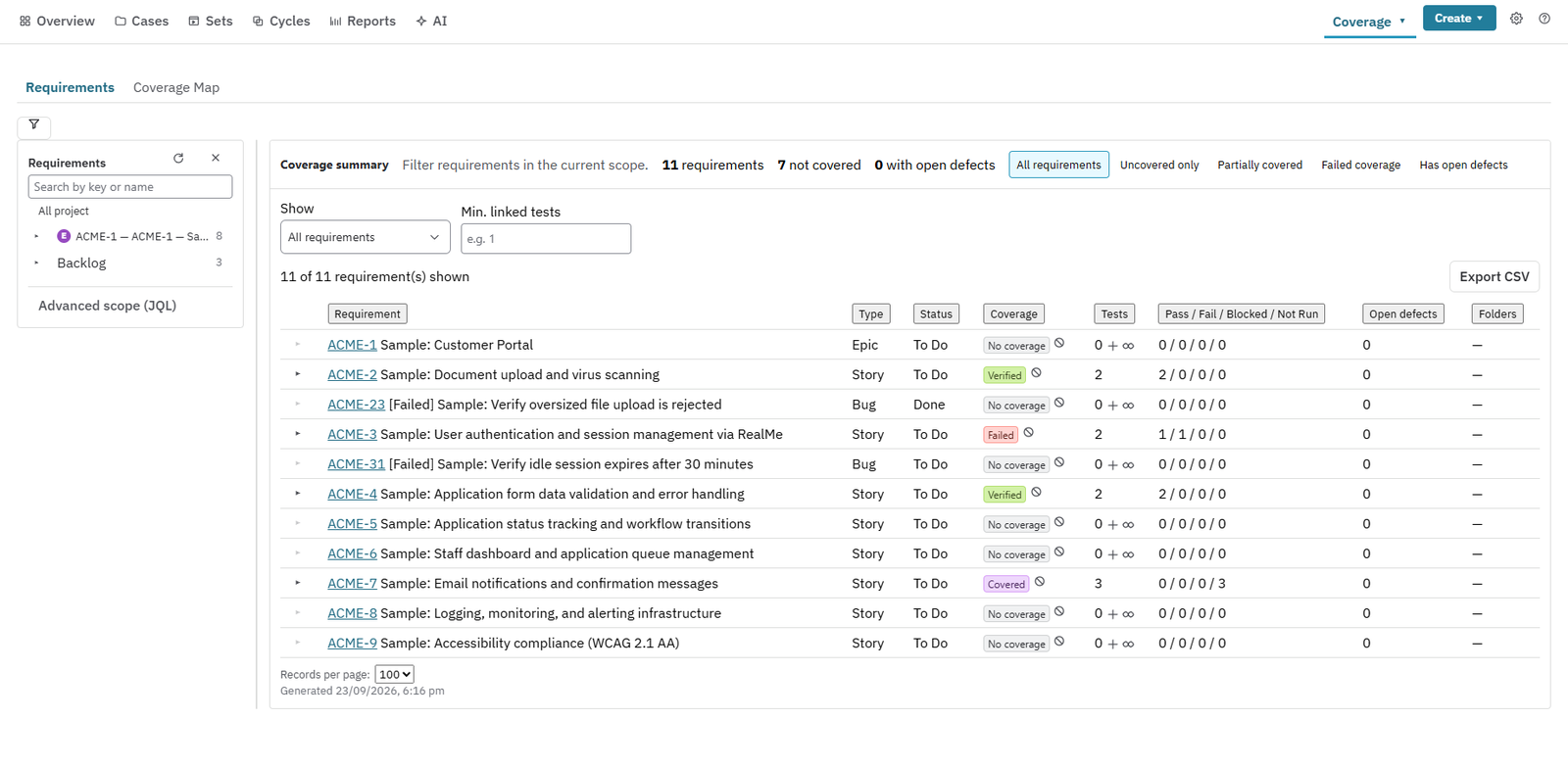
Out of the box, Jira has no test case, no test cycle and no test run. It cannot tell you which requirements are tested, against which build, in which environment, with which data. Teams fill the gap with spreadsheets, a second tool, or tickets standing in for tests. Nexus puts the missing pieces inside Jira, as real Jira issues.
What you can do with it
From requirement to sign-off, in the tool your team already lives in.
Why teams choose it
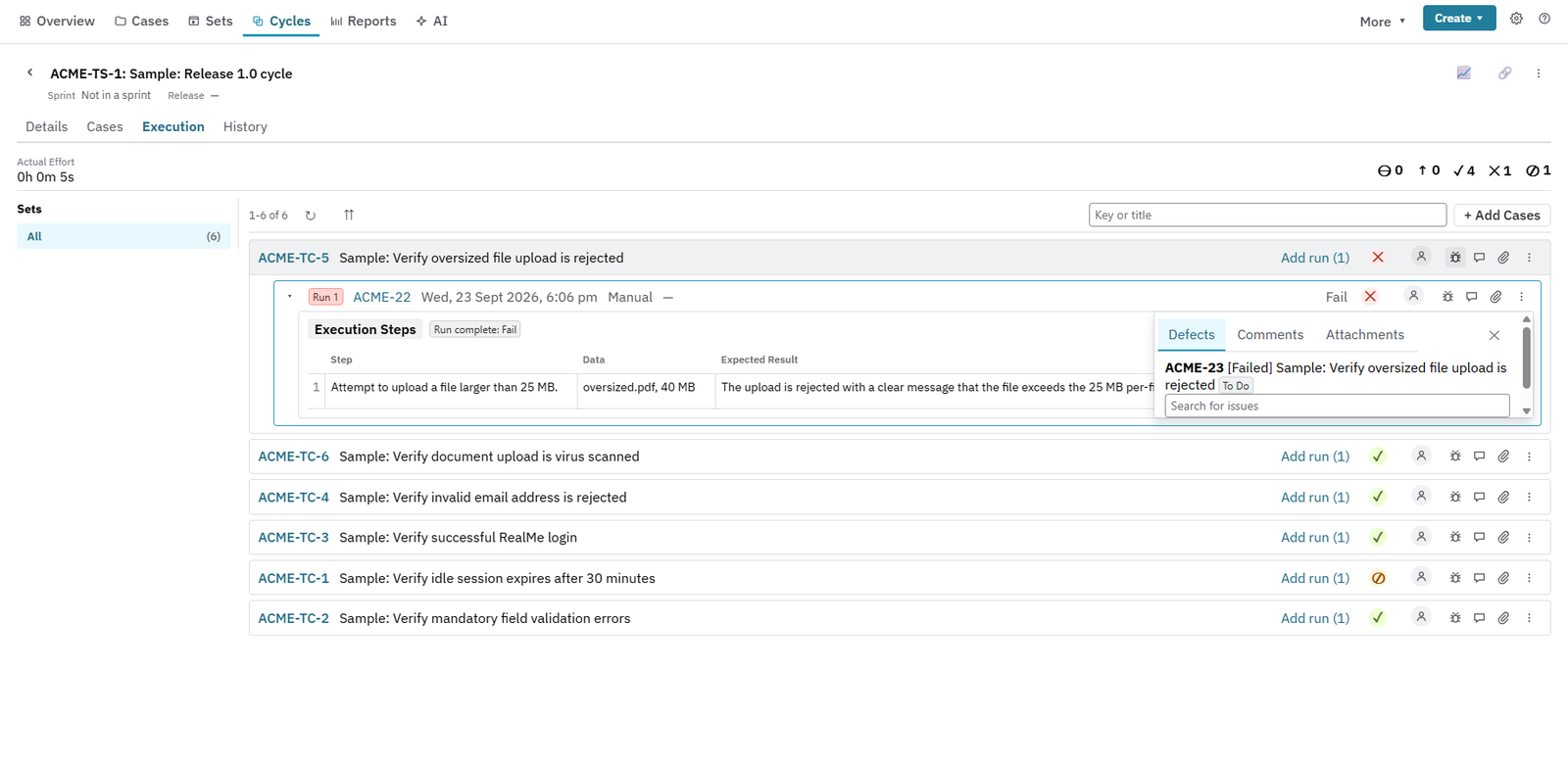
- One record, not five tools: requirements, tests, runs, defects and approvals stay linked in Jira.
- Evidence you can defend: every result carries its build, environment and test data, so sign-off rests on current proof.
- Automation in the same view: send JUnit, Cucumber, Playwright and other results from your CI. Your tests run in your infrastructure.
- AI with a review gate: drafts stay drafts until a person accepts them. Until an administrator connects an AI account, Nexus uses no AI.
- Test data you can trace: datasets are versioned, classified and reserved, with a scanner that flags real personal information.
- Your testing, portable: export to CSV, JSON or Cucumber .feature files at any time, and bring tests in from a CSV export.
Who it’s for
For Jira teams who need to show their testing, not just do it.
Frequently asked questions
Where does Nexus keep our testing records?
Core test artefacts are Jira issues. Supporting records such as runs, datasets, environments and audit entries use Atlassian Forge storage, and Nexus has no separate Resync application backend.
Does Nexus use AI by default?
No. AI features run only when a Jira administrator connects your organisation’s own AI account. Every generated test is a draft until a person accepts it, and release approval is always a human action.
How is Nexus priced and when is it available?
Nexus is one edition with everything included. It is being prepared for the Atlassian Marketplace, which will publish the current price and handle licensing, billing and the free trial.